Talk & Meet
Chat and meetings, in the same place.
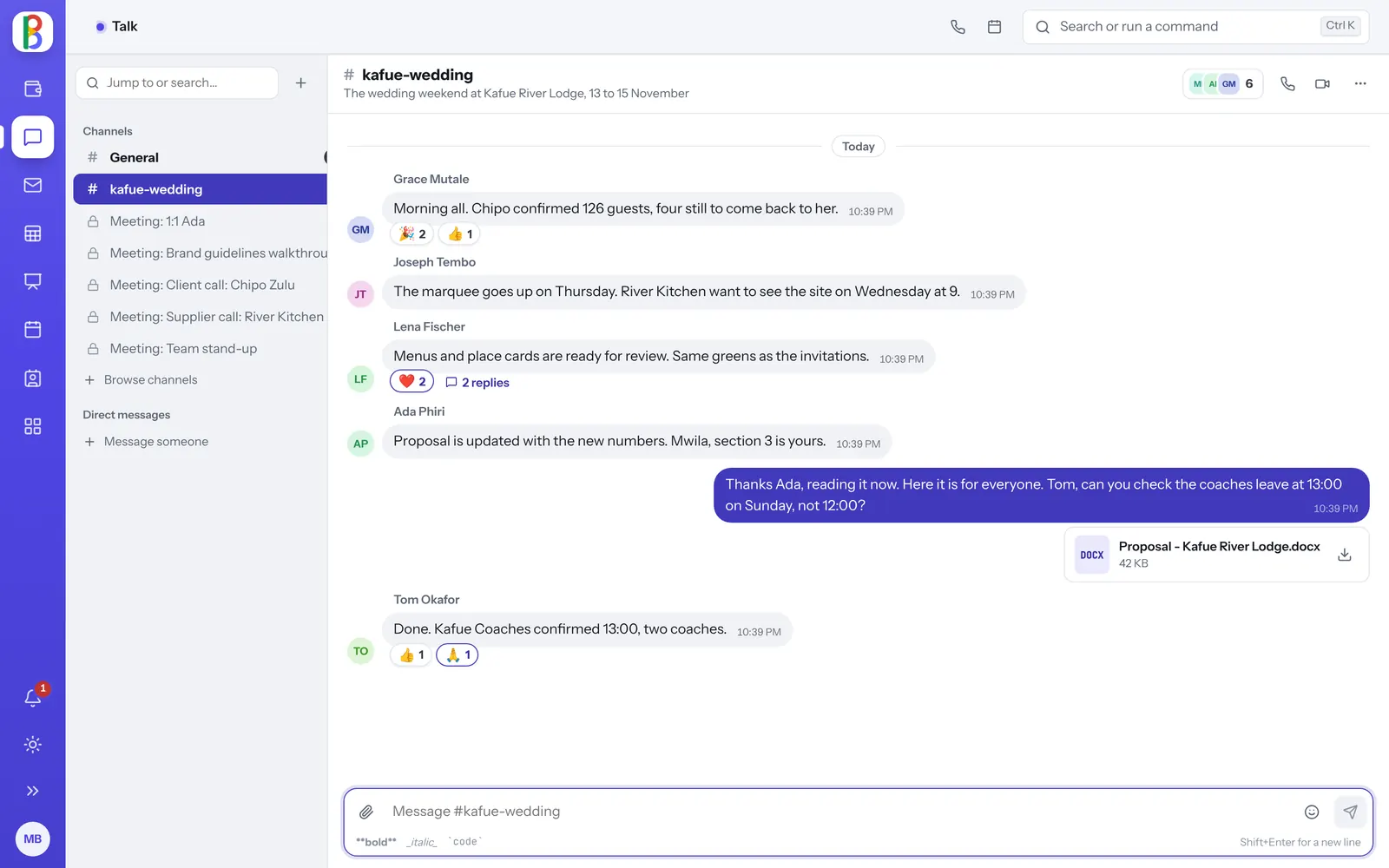
Talk has channels for every team, direct messages, threads and reactions, and video calls with screen sharing that start from any conversation.
Free for 14 days. No card needed to start.
Meet with people outside your organization.
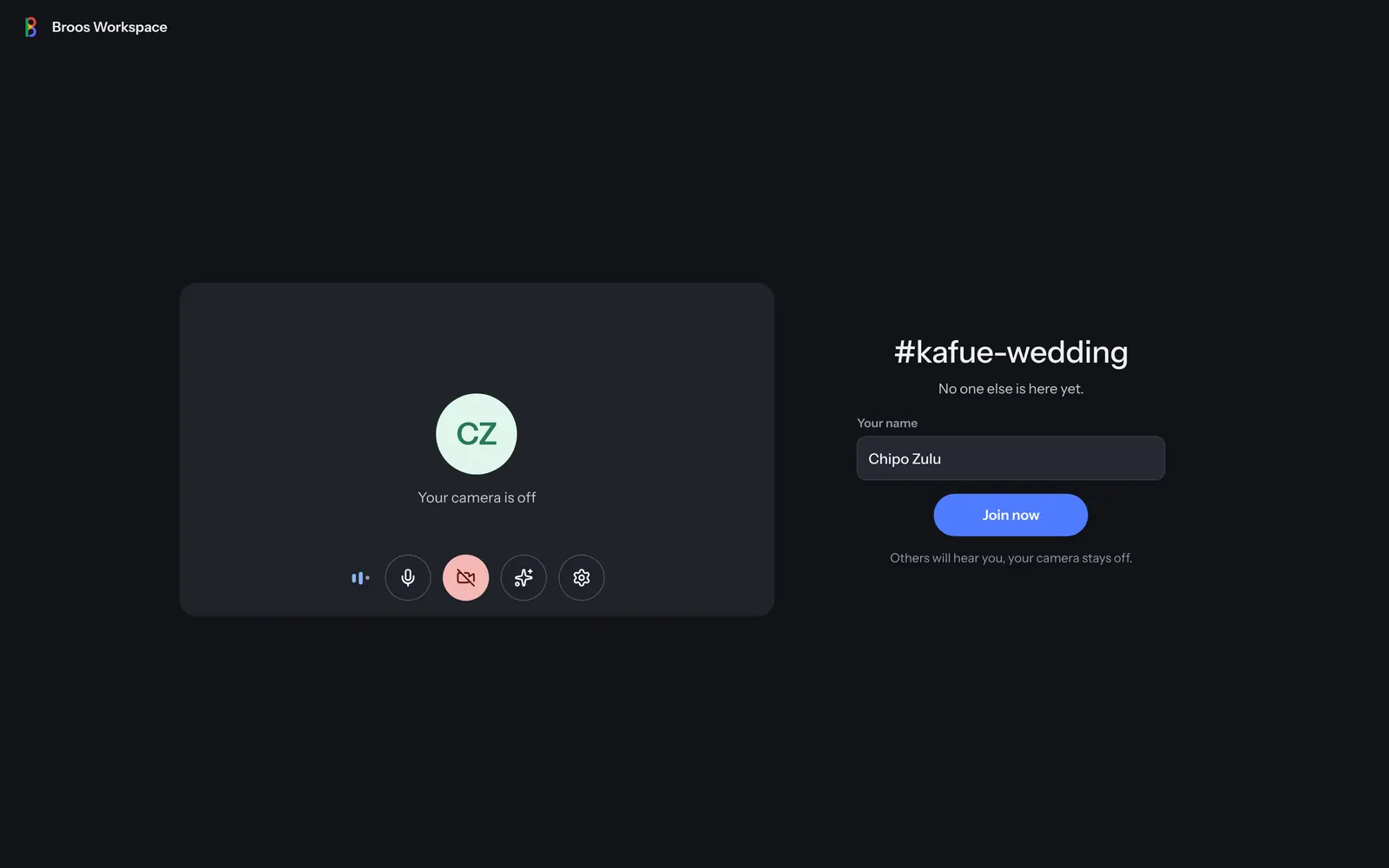
Every conversation can have a meeting link. Guests type their name, check their camera and microphone, and join, with a password if you set one.
- One-off invite links that expire in an hour, a day or a week
- Hosts can mute or remove people, or end the call for everyone
- Recording, where your plan includes it
Calls that feel ready.
-
A lobby before every call
See yourself, check your microphone level, pick your devices and blur your background.
-
Layouts that follow the speaker
Auto, tiled, spotlight or sidebar, and a presenting view for screen sharing.
-
Call anyone from anywhere
A call button on every screen, and incoming calls ring wherever you are in Broos Workspace.
-
Threads and pins
Reply in a thread, pin what matters and jump to any message from search.
-
Reactions and raised hands
React in a call or a conversation, and raise a hand to speak.
-
Files from your drive
Share from Files in any conversation.
Questions about Talk & Meet
How many people can join a meeting?
It depends on your plan; see Pricing.
Do guests need an account?
No. They open the meeting link and type their name. Your admins decide whether guests can join.
Does it work on a phone?
Yes, in the browser. The lobby and the call fill the screen.
Talk to your whole team today.
Start a free trial; #general is there from the start.