Sheets
Spreadsheets your whole team can be in.
Sheets opens Excel workbooks on a grid that scrolls a hundred thousand rows like ten, with 417 functions, charts, filters and drop-downs, and everyone’s selection outlined in their colour.
Free for 14 days. No card needed to start.
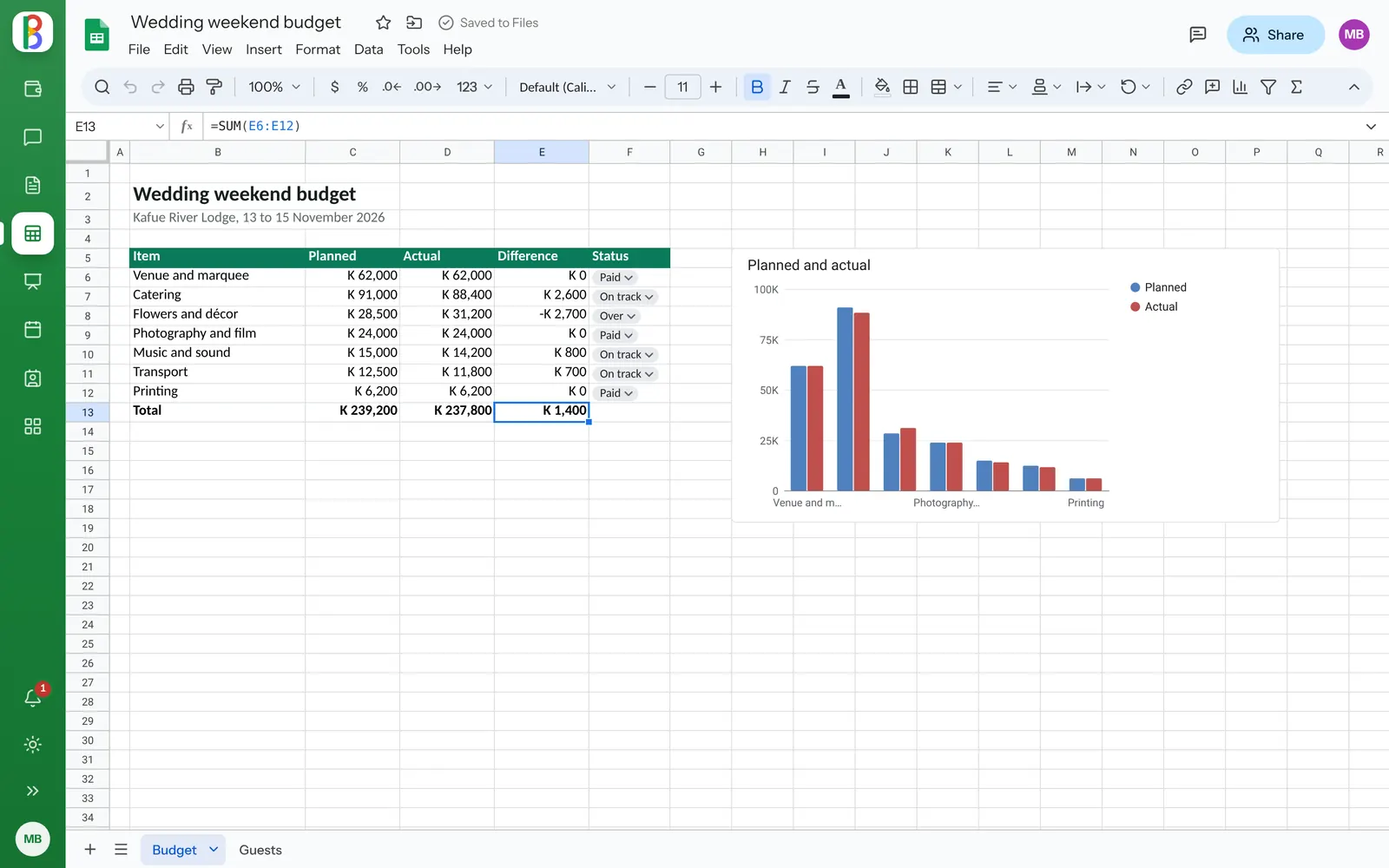
Two people, one sheet, nothing lost.
Two people typing in different cells, sorting or inserting rows all merge. Undo takes back your own changes, never someone else’s.
- Faces at the top show who’s here; click one to go to them
- Offline? Changes wait and go in when you’re back
- Version history with named versions
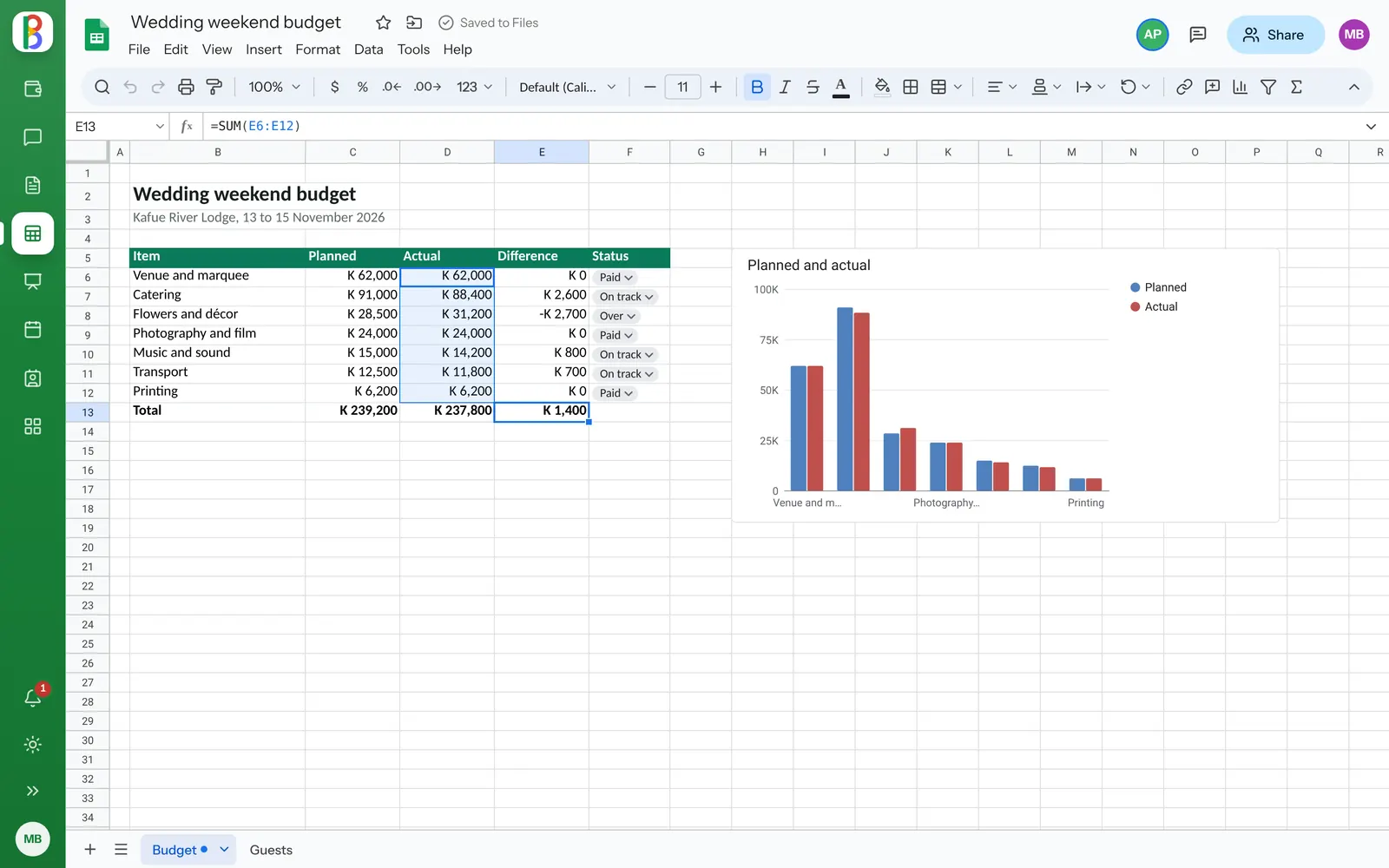
A spreadsheet that does the work.
-
Formulas that explain themselves
Suggestions as you type, each argument shown, references coloured on the grid, and XLOOKUP, FILTER, LET and LAMBDA.
-
Excel’s charts stay Excel’s
Charts made in Excel show as they are and edit the same way. Make new ones beside the data.
-
Data tools
Sort, filters by value or colour, conditional formatting, drop-downs, removing duplicates and pivot tables.
-
Protected ranges
Warn first, or let only certain people change a sheet or a range.
-
Templates
To-do list, monthly budget, project tracker, invoice and weekly schedule.
-
Download as you need
Excel, OpenDocument, PDF, a web page, CSV, TSV or JSON.
Questions about Sheets
Can I open CSV and OpenDocument files?
Yes. CSV, TSV and .ods files open to edit and save as what they are.
Do formulas from Excel keep working?
Sheets has 417 functions, including the newer ones such as XLOOKUP, FILTER and LAMBDA, and writes formulas back into the file.
Bring your numbers together.
Start a free trial; your Excel files open as they are.