Calendar
Plan the week, meet in a click.
Calendar shows your day, week, month or year, lets you drag meetings where they belong and finds a time that suits everyone you invite.
Free for 14 days. No card needed to start.
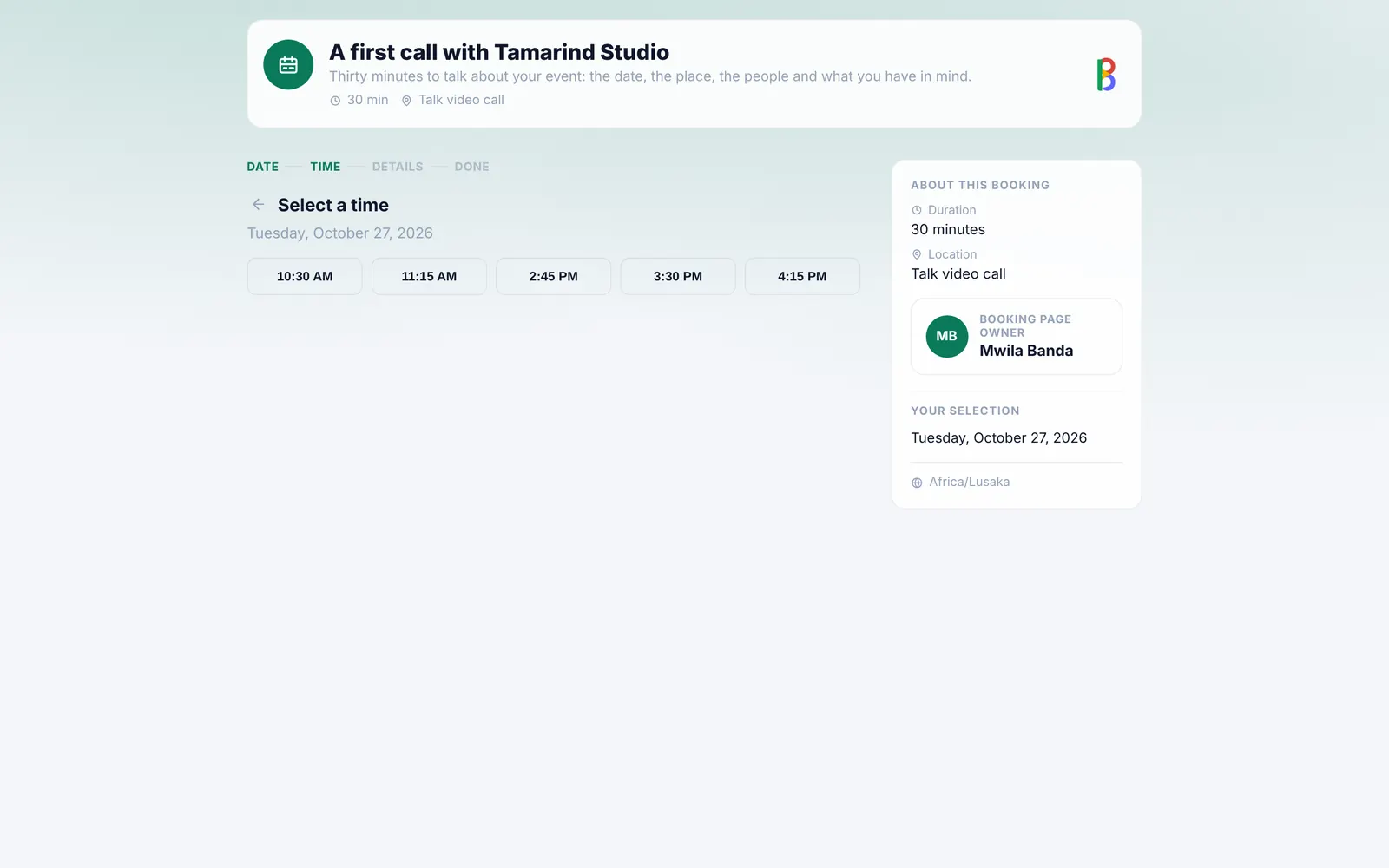
Let people book time with you.
A booking page shows only the times you’re free, on each visitor’s own clock. They pick a time, get an invitation from your mailbox, and can cancel with their link.
- Set the length, the gap after, the notice and how far ahead
- Each guest holds at most three coming times
- Cancel a booking and the guest is told
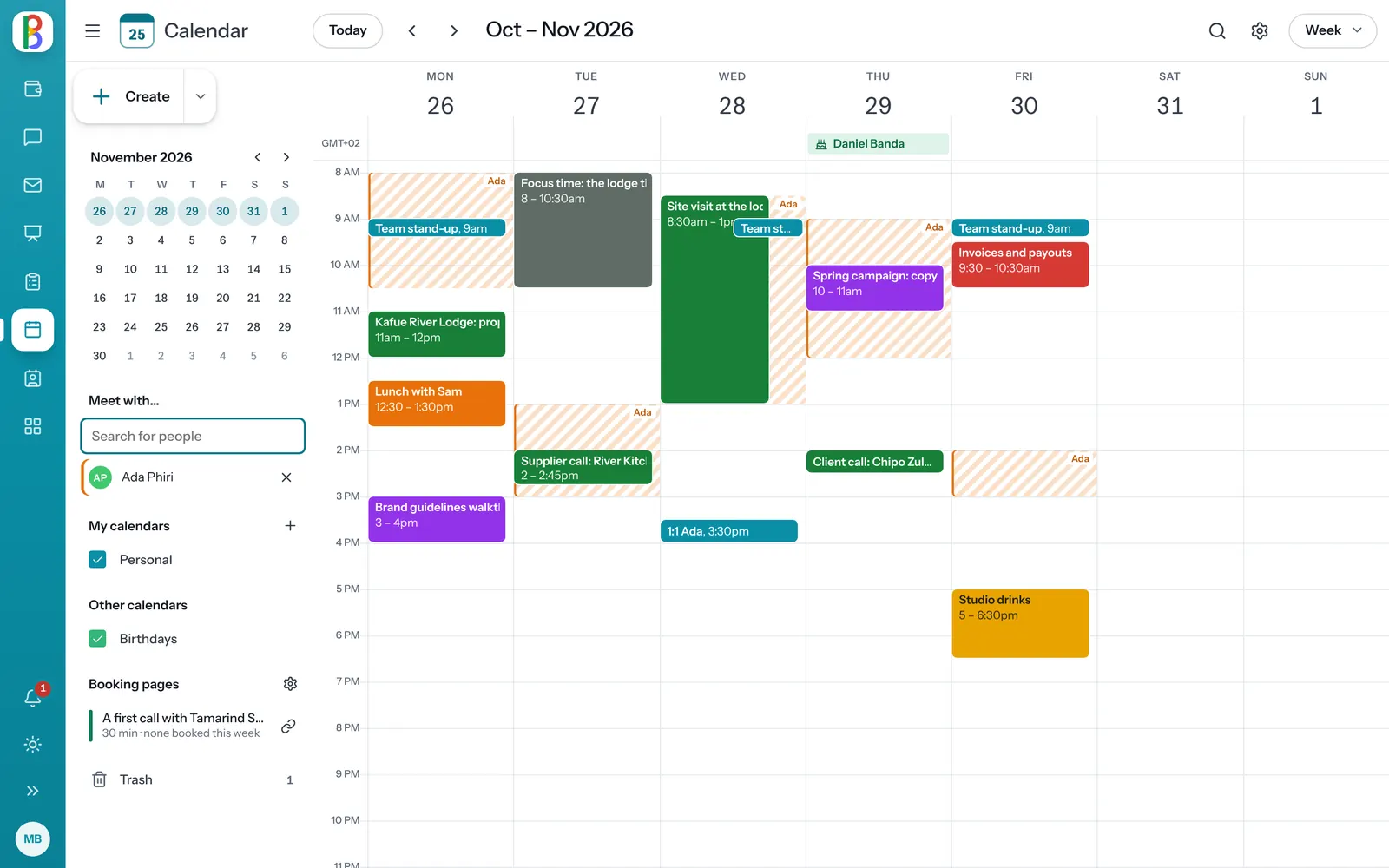
A calendar that knows the rest of your day.
-
Invitations every mail app understands
Invitations go out as standard iCalendar, so Gmail and Outlook show their own Yes, Maybe and No.
-
Repeats that keep their time
A weekly 09:00 stays at 09:00 when the clocks change.
-
Find a time
You and each guest side by side for the day; click a free moment.
-
A Talk room for any event
Add one to an event and Join opens it.
-
Birthdays from Contacts
The birthdays you’ve saved, as a calendar of their own.
-
Undo, and a trash
Moves, edits and deletes can be undone, and deleted events wait in the trash for 30 days.
Works with your other apps
Invitations go from your mailbox, guests come from your contacts and meetings happen in Talk.
-
Mail
Email on your own domain, or the mail you already have.
-
Talk & Meet
Channels, messages and video meetings.
-
Contacts
Everyone you work with, kept tidy.
Questions about Calendar
Can people outside our organization answer our invitations?
Yes. Invitations are standard iCalendar, so Gmail, Outlook and Apple Calendar can answer them, and the answers come back onto your event.
Can colleagues see when I’m free?
People in your organization can see your busy times when they plan a meeting, not what the meetings are.
Get the whole team on one calendar.
Start a free trial and share your first booking page.