Files
One drive for everyone, and one for every team.
Files keeps your documents, pictures and videos with a preview of each, search that reads inside them, and sharing that does exactly what you set.
Free for 14 days. No card needed to start.
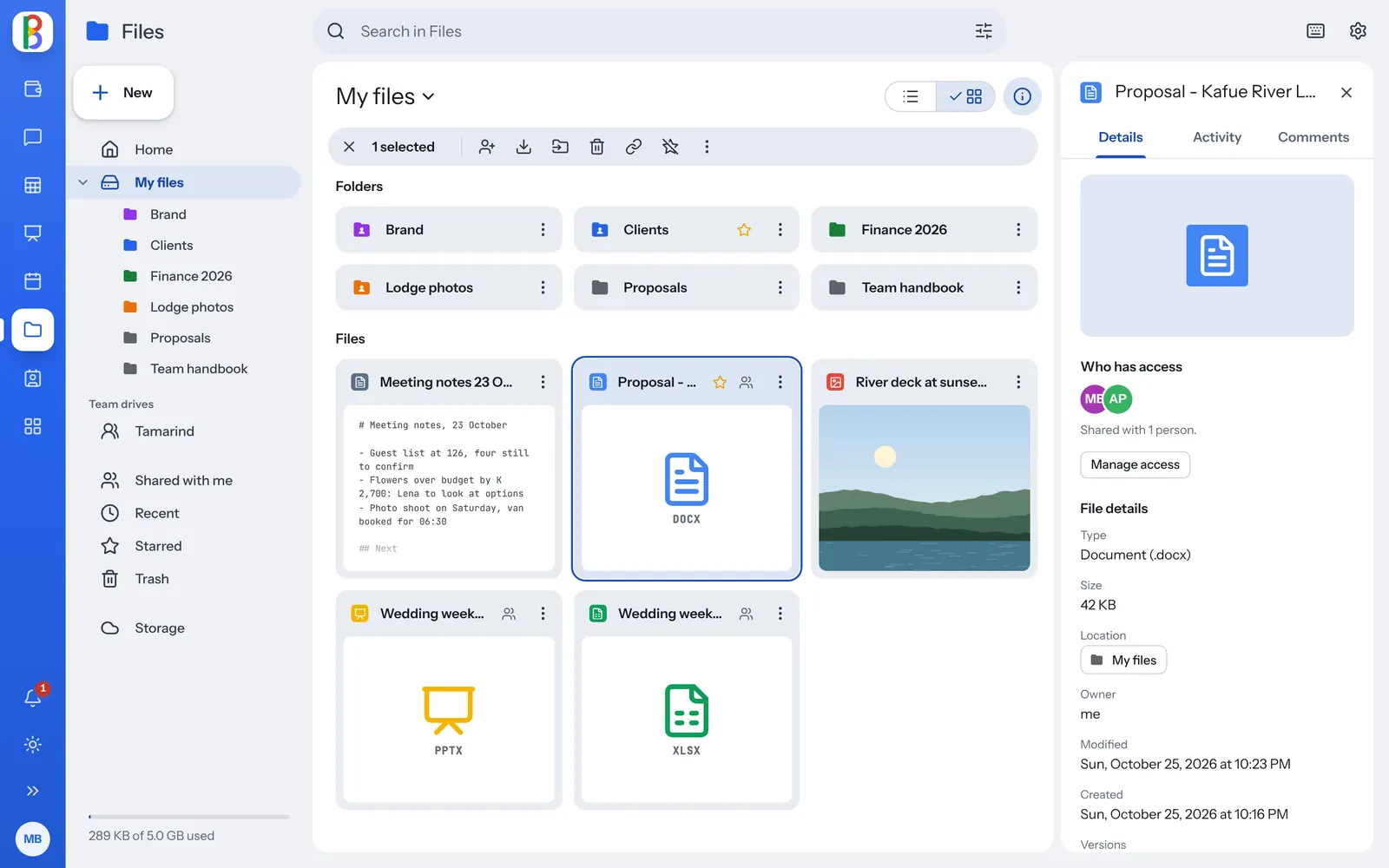
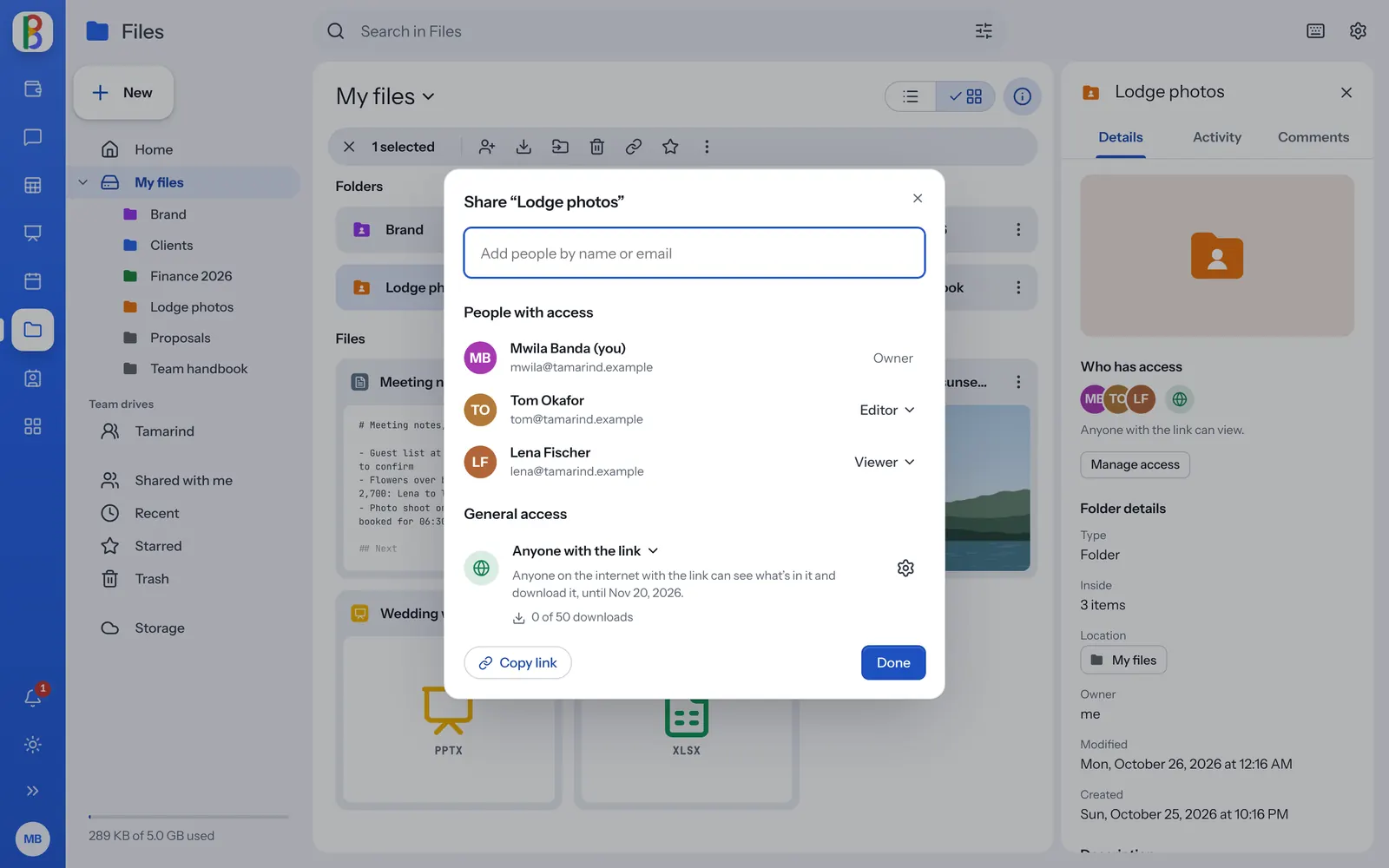
Share with people, or with a link that knows its limits.
Add people as viewers or editors and they’re told. Or turn on a link that stops on a date, asks for a password, allows a number of downloads or hides the download button.
- See who has access, including through a folder above
- People can ask for access, and you answer from Share
- Every change can be undone
Everything in its place.
-
Big uploads that carry on
Large files go up in pieces and pick up again after a dropped connection.
-
Search inside files
Find Word, Excel, PowerPoint, PDF and text files by what they say, with the words around each match.
-
Versions kept
Replacing or editing a file keeps the one before as a version you can restore.
-
Connected storage
Bring in Google Drive, OneDrive, WebDAV, SFTP, FTP or GitHub as folders, when your admin allows it.
-
Comments on any file
Threads, @mentions and Resolve, beside the file or its preview.
-
On a phone too
Tap to open, press to select, and a round button for anything new.
Questions about Files
How much storage do we get?
Each licence brings your plan’s storage per person into one pool your whole organization shares: 10 licences on a 30 GB plan share 300 GB. Admins see who uses what, and can give anyone their own limit, bigger or smaller, or let them use the pool freely.
Can people outside our organization see our files?
Only what someone shares with them, and only if your admins allow sharing outside the organization.
Can I preview a file without downloading it?
Yes: pictures, video, sound, PDFs, text, code, Markdown and CSV open in the preview.
Put your team’s files in one place.
Start a free trial and invite your team.